
Product
BurnHancer Intelligence Studio
A structured workspace for flame-media review, process context, technical explanation, session comparison, and reporting.
Workflow
The review workflow
- Step 1
Select media
Start from an approved sample session or choose a local file that stays inside your browser session.
- Step 2
Review visual output
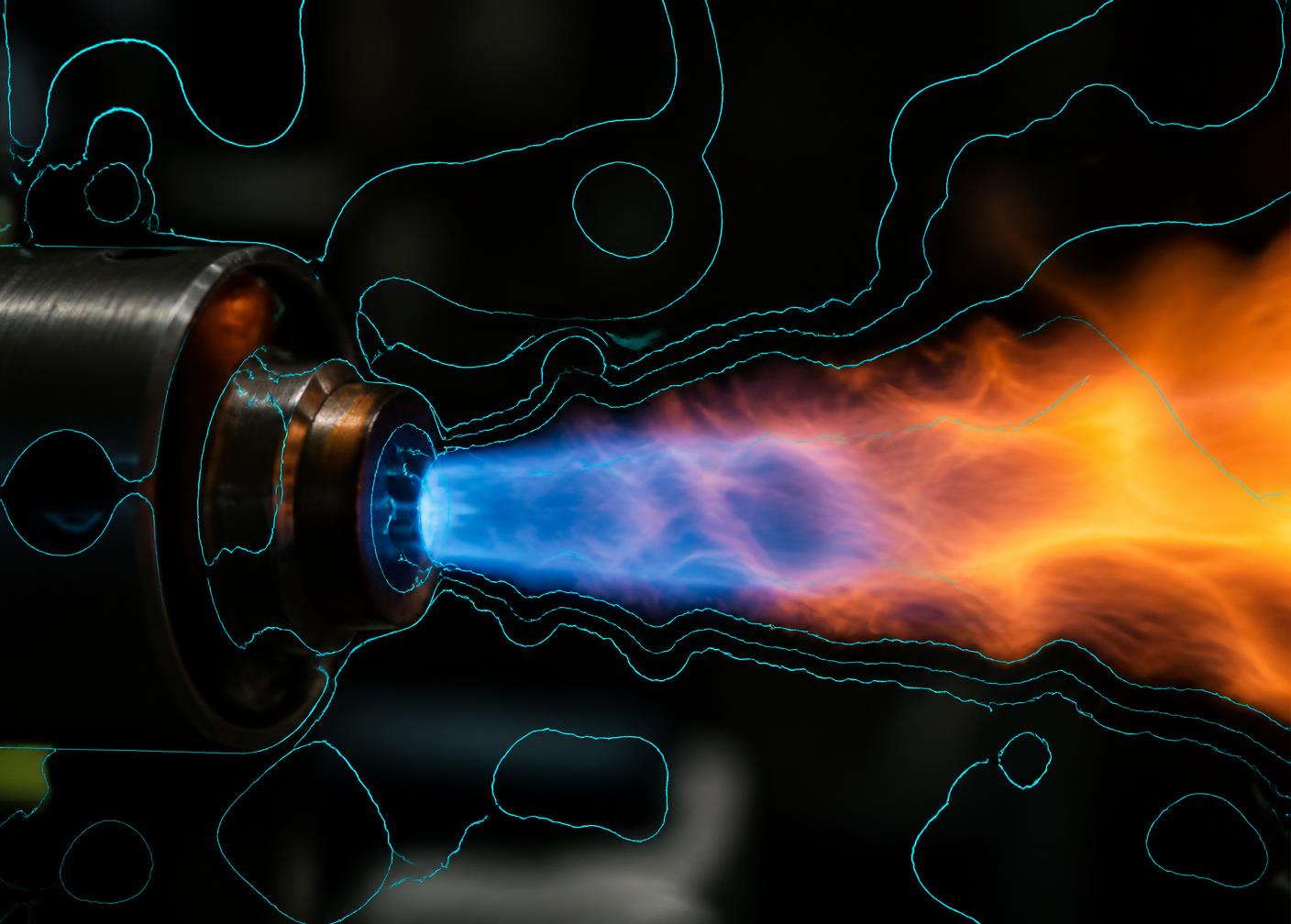
Inspect detection-style, segmentation-style, and heatmap-style views prepared for the Demo.
- Step 3
Explore process context
Read sample process values and observe illustrative responses to scenario controls.
- Step 4
Compare sessions
Place two sample sessions side by side and review differences and notes.
- Step 5
Prepare a report
Preview a structured technical summary with observations, process context, limitations, and a human-review notice.
Capabilities
Feature capability grid
Media workspace
Organise sample flame media and locally selected files into a reviewable session structure.
Vision overlay preview
Detection-, segmentation-, and heatmap-style views for reviewing sample flame media.
Flame-condition interpretation
Review flame appearance through stable, transition, and unstable observation cues.
Process cockpit
A sample view of process context values used to frame technical discussion.
Technical copilot preview
Technical explanations covering scope, data interpretation, validation, and product questions.
Session and report workflow
Session history, comparison, and a printable structured technical summary.
Screens
Large screen previews
BurnHancer Intelligence Studio
- Session
- Burner Session B
- Context
- Sample media · comparison review
Sample process context
O₂
3%
CO
162.8ppm
NOx
159.8ppm
Temperature
1237.2°C
Roadmap
Current versus roadmap
| Area | Demo capability | Roadmap direction |
|---|---|---|
| Media review | Sample and browser-local media in a session workspace | Governed media pipelines with approved retention rules |
| Visual output | Sample overlays for media review | Versioned models with a documented evaluation protocol |
| Condition cues | Observation cues for qualified technical review | Estimation supported by reference measurements |
| Process context | Sample process values for product exploration | Defined plant-data interfaces under separate technical scope |
| Explanations | Technical guidance for the review workflow | Reviewed knowledge base with an approval workflow |
| Reporting | Structured technical-summary workflow | Defined report schema, storage, and approval requirements |
Professional use
Use limitations
- AI-assisted observations require qualified technical review.
- Operational conclusions require representative plant data and validation.
- BurnHancer does not replace plant instrumentation or engineering judgement.
Explore the product workflow.
Review media, compare sessions, examine process context, and prepare a structured technical summary.